
V Business Card QR Codes
Transform standard business cards into interactive contact triggers. When clients scan your V Business Card QR code with their smartphone, your contact details automatically populate as a new contact record ready to be saved instantly. We email your QR code in 3 print-ready formats:
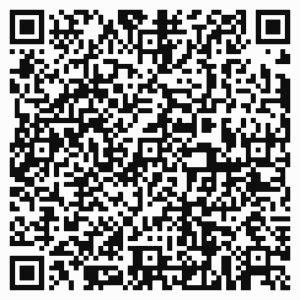 Example: vCard Output
Order V Business Card QR Code
Add to Cart and go to Checkout. On the checkout page, enter the contact or event details you want encoded (or email us that information after ordering). Our graphic designers generate each QR code manually to ensure accuracy and clean scannability. Please allow 2 to 24 hours for digital delivery via email.
Physical Print Size Notice
Please limit the amount of encoded information. The more data encoded, the denser and more complex the QR code pattern becomes. If you need your QR code printed small (e.g., 3cm × 3cm on a standard business card), provide only essential details to maintain instant smartphone scannability.
Business Cards (vCard)
Include these contact details in the "Additional Information" field during checkout:
- • Name: Full First & Last Name
- • Company / Org: Registered Business Name
- • Job Title: Designation / Position
- • Address: Street, City, State, Country
- • Phone / Mobile: Direct Line & Cell Number
- • Email: Primary Contact Address
- • Website URL: Business Landing Page
Events (vCalendar)
Promoting a webinar, conference, or product launch? Add these details in your checkout notes:
- Event Name: Title of the program
- Event Description: Short agenda summary
- Location: Physical venue or digital link
- Start Date/Time: Official kick-off time
- End Date/Time: Concluding time (Optional)
Other Specialized Trigger QR Codes
Beyond contact cards and calendar triggers, we engineer specialized QR actions upon request. State your target requirement in your order notes:
- Direct Phone Call Trigger
- Pre-populated SMS / Email
- Wi-Fi Access Point Connect
- Facebook Profile / Like Page
- LinkedIn Corporate Share
- Google Play / App Store Links